Zabbix API for Non-Programmers
A Spreadsheet Workbench Approach
The Zabbix API is powerful. The usual on-ramp is not:
read API docs → write Python → debug auth → debug JSON →
discover limit defaults → rewrite for the next ticket
If you are comfortable in Excel but not in requests sessions, you still deserve access to that power. ZbxWizz exposes the same JSON-RPC methods (host.get, host.update, item.get, …) through a spreadsheet UI: you write params templates, not full client libraries.
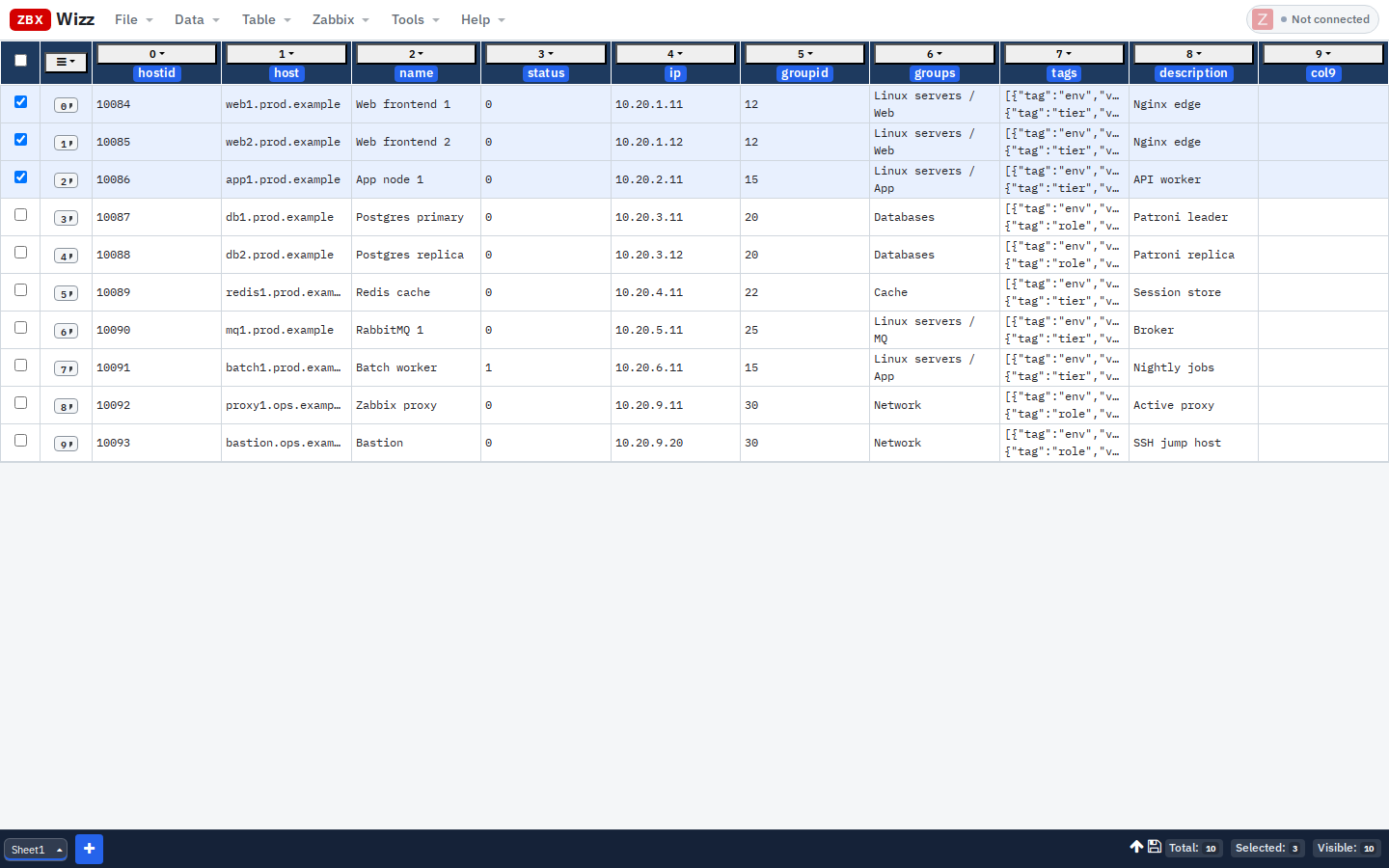
What “using the API” actually means
Every Zabbix API call is roughly:
| Piece | Example |
|---|---|
| Method | host.get, host.update, host.create |
| Params | Filters, output, selectTags, field payloads |
| Auth | API token (Bearer) |
ZbxWizz fills method + auth from the dialog (resource, operation, connection). You only edit the params JSON — and you can inject the current row with ${flds…} / ${cols[…]}.
You are still speaking the official API. There is no proprietary dialect.
The four verbs you’ll use
| Action | Menu | API shape | Purpose |
|---|---|---|---|
| Import from Zabbix | Data → Import → From Zabbix | {resource}.get |
Fill a sheet from scratch |
| Pull | Zabbix → Pull | {resource}.get per row |
Enrich selected rows |
| Transform | Column menu | JavaScript expression | Reshape cells before write |
| Push | Zabbix → Push | {resource}.create/update/delete |
Write back |
Optional: Import CSV / Excel / JavaScript when the source of truth is not Zabbix yet.
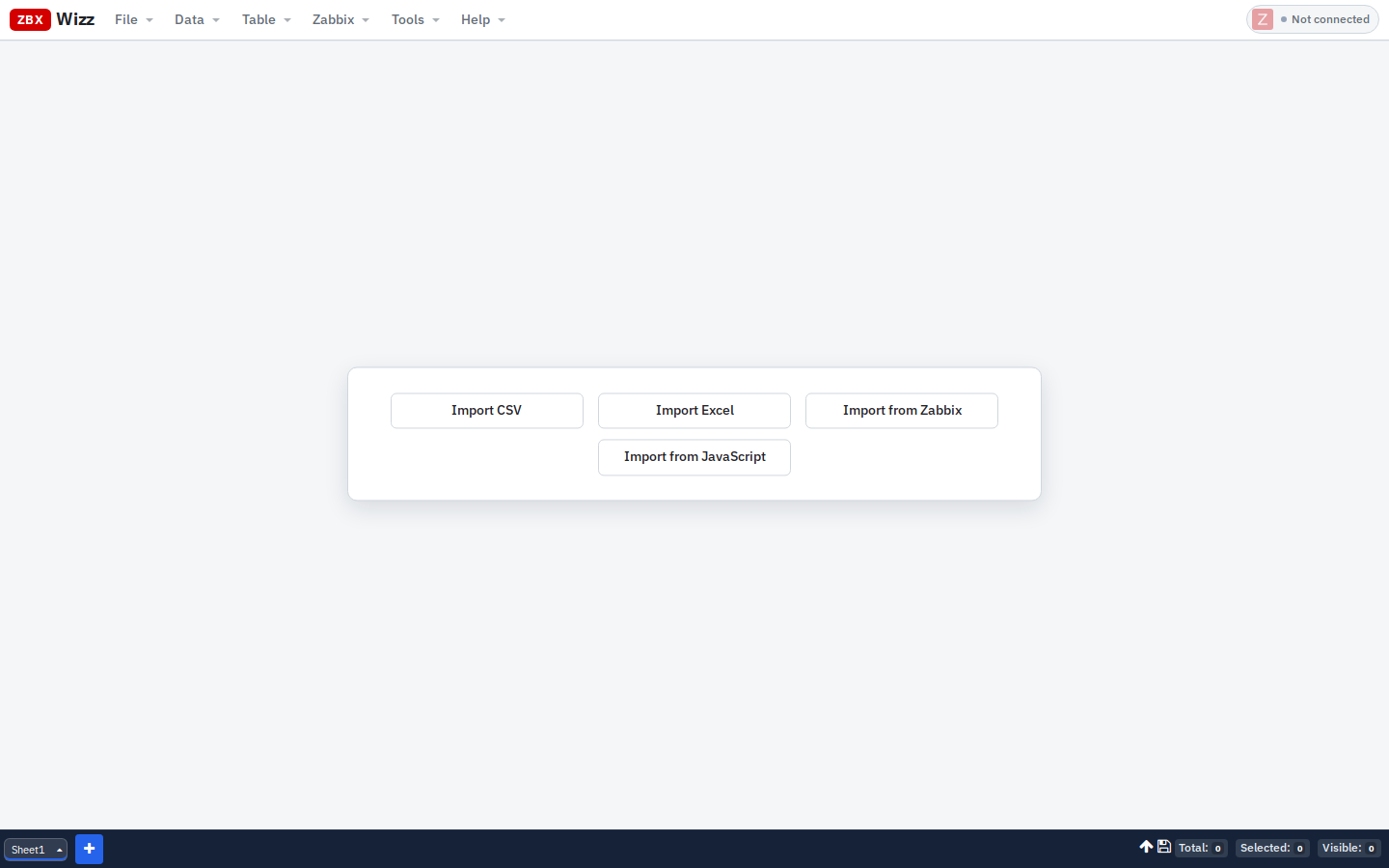
Step 0 — Connect once
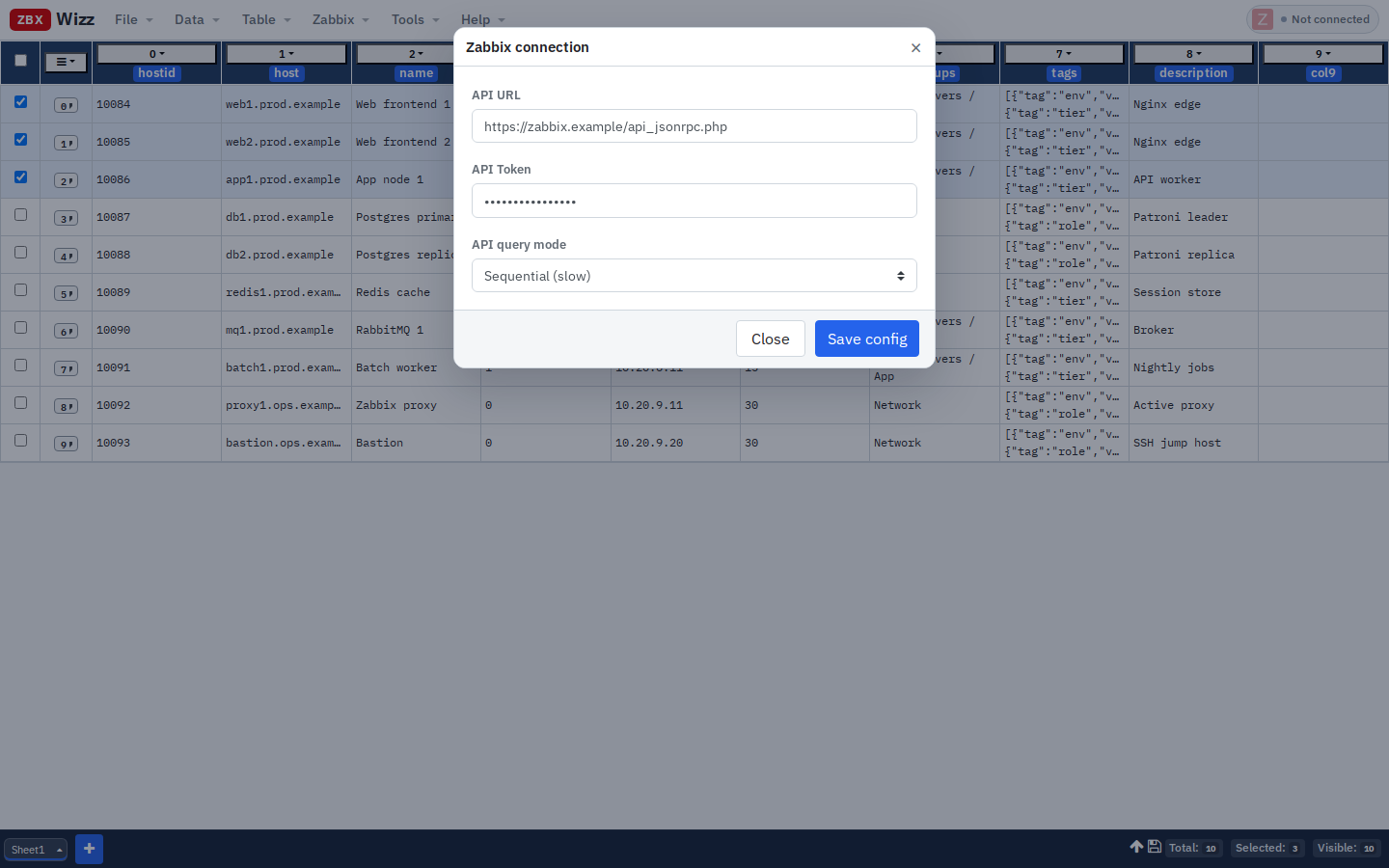
| Setting | Guidance |
|---|---|
| API URL | Relative api_jsonrpc.php when hosted next to the Zabbix UI; otherwise full URL |
| Token | Users → API tokens — least privilege you can live with |
| Query mode | Sequential for writes; Parallel/Hybrid for heavy reads |
Security angle that matters for non-dev teams: the app is client-side. Workbook data and tokens stay in the browser (IndexedDB / localStorage). Network traffic is only your API calls — no SaaS middleman.
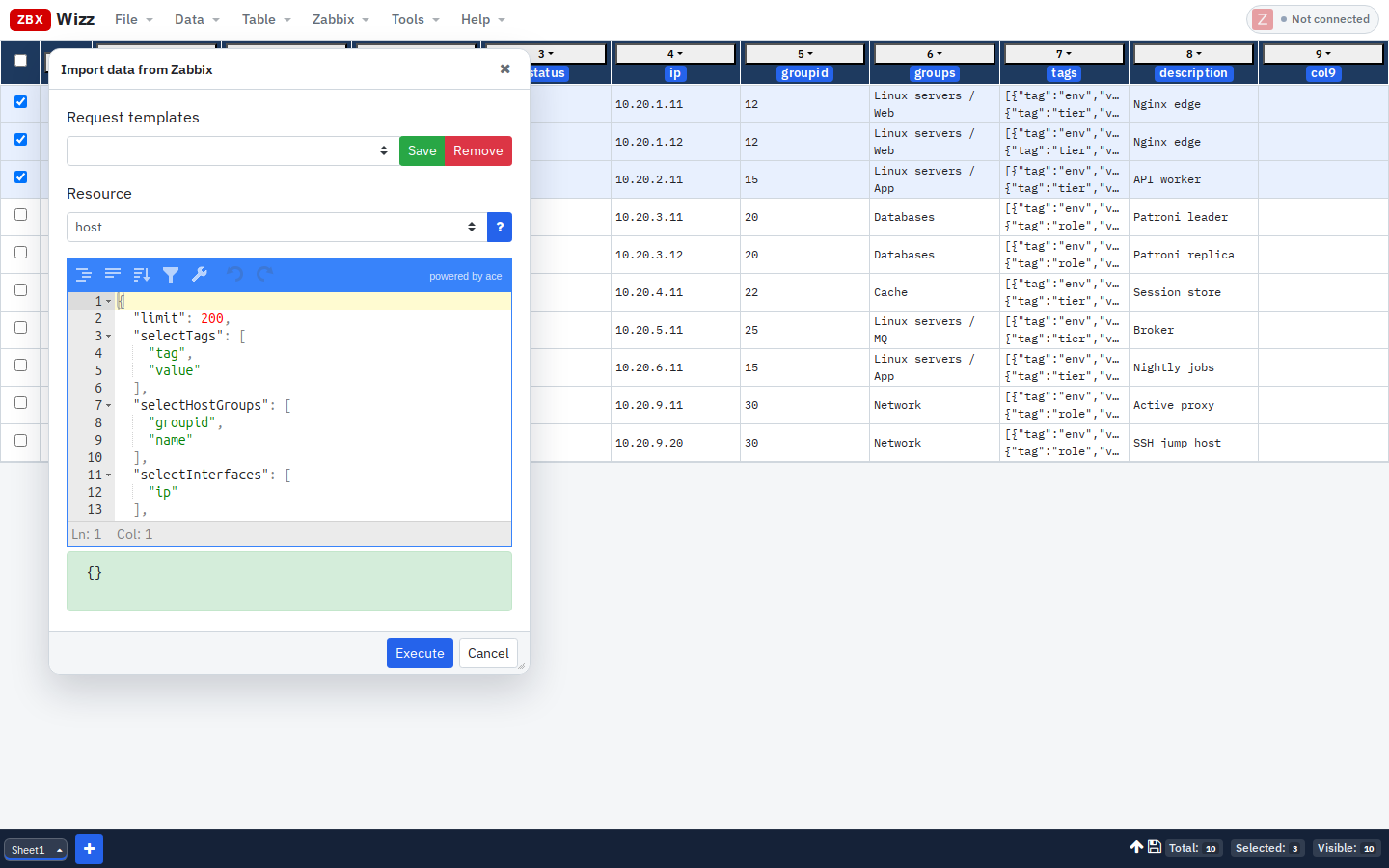
Lesson 1 — Read: Import hosts
Data → Import → From Zabbix · Resource host:
{
  "limit": 50,
  "selectTags": ["tag", "value"],
  "selectInterfaces": ["ip", "dns", "type", "main"]
}
Tips that save hours:
- Always set
limit(safety default is 5 if omitted) - Use the ? help control next to the resource for the official docs
- Save frequent requests as templates in the dialog
- Nested objects appear as JSON strings — flatten them with Transform when you need columns
Export anytime: Data → Export → CSV or Excel.
Lesson 2 — Reshape: Transform without a script file
Column menu → Transform. Expressions are small JavaScript snippets with helpers:
| Helper / value | Meaning |
|---|---|
flds.name |
Cell by column name |
self |
Current cell |
obj(...) |
Parse JSON string |
json(...) |
Stringify for storage / Push |
data.csv |
Original imported object for the row |
formatUnix(self) |
Human-readable clocks |
Example — build a readable label:
flds.host + " · " + flds.ip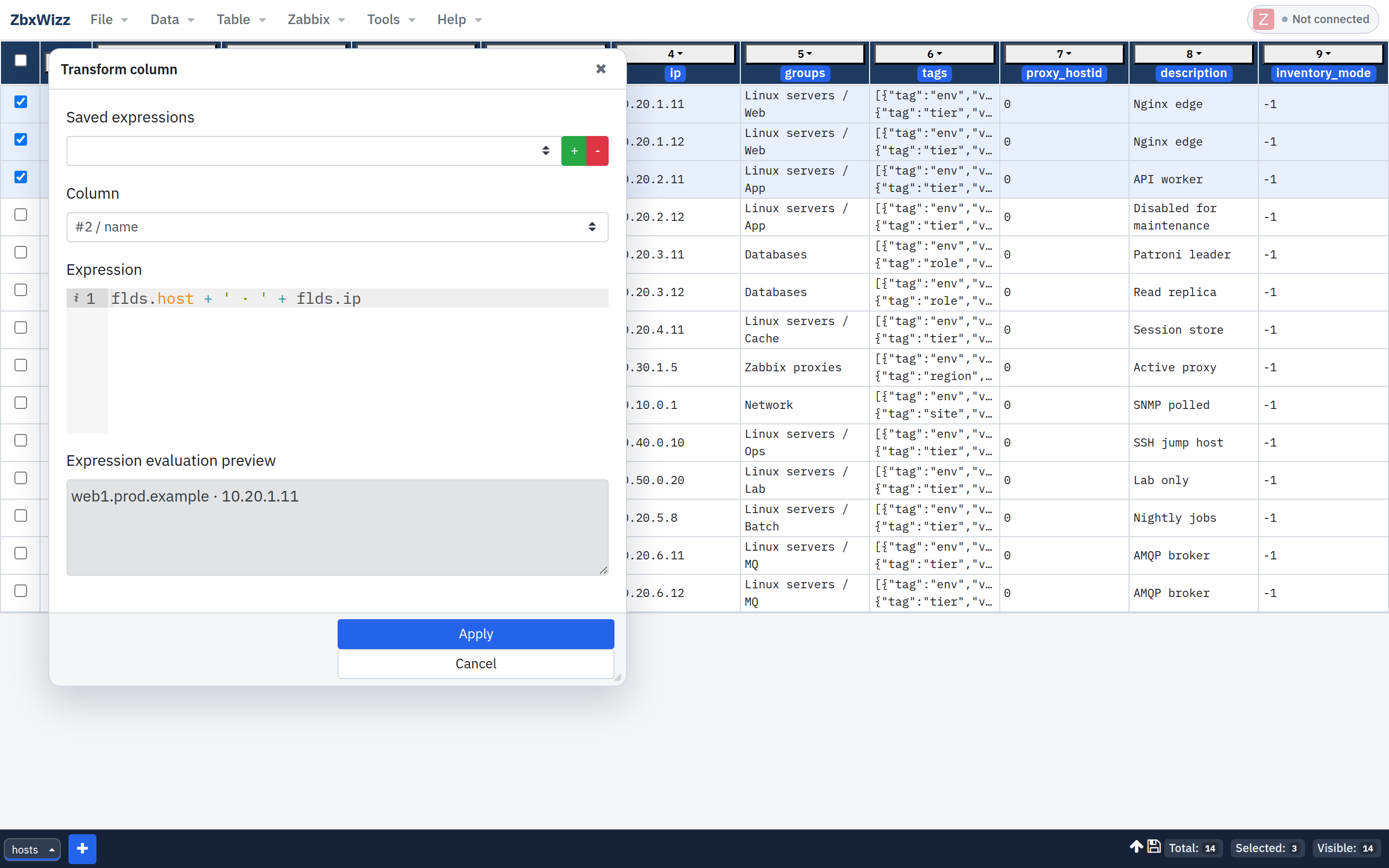
The preview evaluates on a sample row before you Apply. That feedback loop is what most “API for beginners” tutorials are missing.
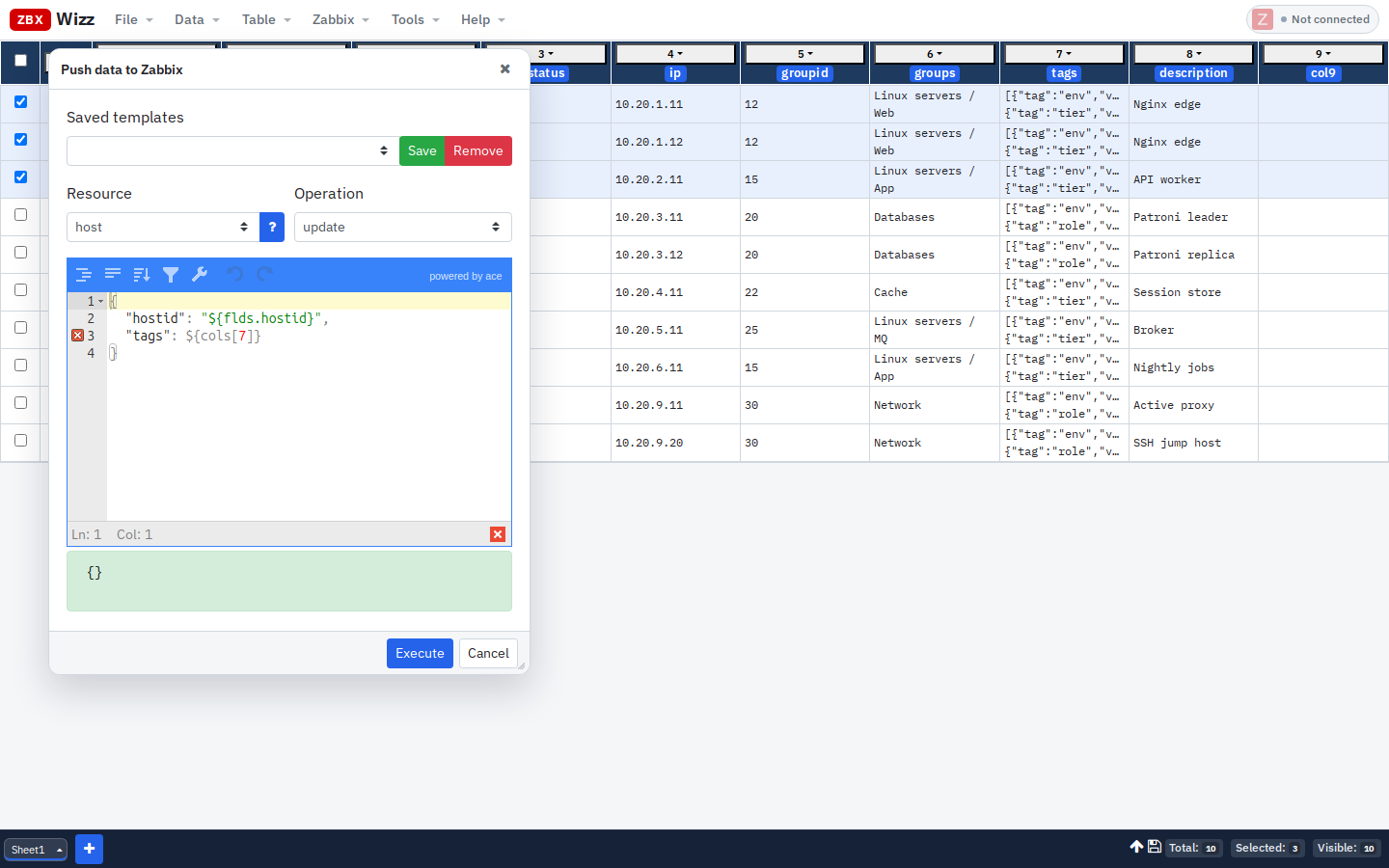
Lesson 3 — Write: Push with a preview
Zabbix → Push · host · update:
{
  "hostid": "${flds.hostid}",
  "name": "${flds.name}"
}
Rules of thumb:
- Select one row until the preview looks right
- Strings stay quoted in the template:
"${flds.hostid}" - JSON cells are injected bare:
${cols[3]} - Confirm the destructive-operation warning deliberately
- Prefer Sequential mode on production
Delete is available too — treat it like production SQL.
Lesson 4 — Enrich: Pull related objects
You have hosts. You need their items.
- Import hosts with
hostid - Select rows
- Zabbix → Pull · Resource
item· Labelitems
{
  "hostids": ["${flds.hostid}"],
  "output": ["itemid", "name", "key_"],
  "limit": 500
}
Each row gets data.items. Transform a count column:
data.items ? String(data.items.length) : "0"Same pattern works for triggers, interfaces, discovery rules — any .get that keys off the current row.
Lesson 5 — When data isn’t in Zabbix yet
CSV / Excel — classic onboarding path (full tutorial).
Import from JavaScript — generate or reshape rows ad hoc:
return Array.from({length: 10}, (_, i) => ({
  hostid: String(10000 + i),
  name: "test-host-" + i,
  status: "0"
}));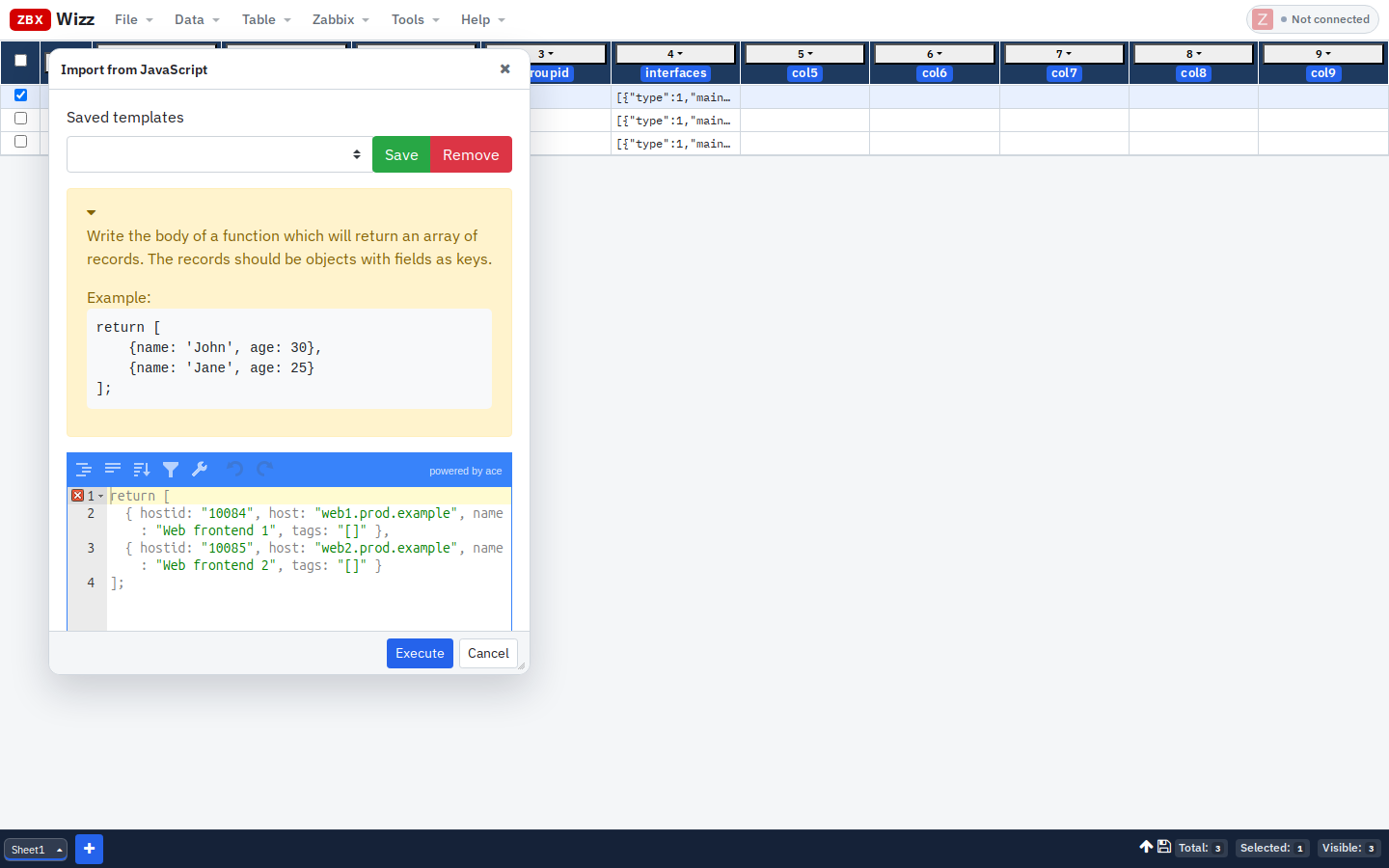
Useful for demos, load tests, or glue between systems when you can sketch an array of objects.
How this compares to “real” programming
| Concern | Python / Go script | ZbxWizz |
|---|---|---|
| Auth & HTTP | You write it | Built-in |
| Bulk fan-out | Loops / async | Parallel / Sequential / Hybrid |
| Review before write | Logs / dry-run you invent | Table + preview |
| Sharing with teammates | Repo + venv | File → Save workbook / Export CSV |
| Complex orchestration | Better in code | Script editor exists for ad-hoc cases |
| Versioned IaC | Ansible / Terraform win | Use those for desired-state; use ZbxWizz for cleanup & campaigns |
You do not have to choose forever. Many teams: Terraform for baselines, ZbxWizz for migrations and audits.
A 15-minute practice path
- Connect to a lab Zabbix
- Import 5 hosts with tags
- Transform tags to append
zbxwizz=was-here - Push
host.updateon one host - Confirm in the Zabbix UI
- File → Save the workbook so you can reload the campaign later
Deeper tag/group campaigns: Mass Update Host Tags and Groups.
Get started
- Product site: https://zbxwizz.app/
- Docs hub: https://zbxwizz.app/docs/
- Official API reference: Zabbix API
- Source (MIT): github.com/logimaxx/zbxwizz
If a particular API method feels awkward in the UI, open an issue or mail support@zbxwizz.app — those friction points are exactly how the workbench improves.
— Sergiu, Creator of ZbxWizz