Bulk Update Zabbix Hosts from CSV Without Scripts
If your onboarding process still looks like spreadsheet → copy JSON → paste into a script → pray, this post is for you.
ZbxWizz is a browser-based spreadsheet workbench for the Zabbix API. You import a CSV (or Excel), shape the columns with small transforms, preview the Push request, then create or update hosts in bulk — without maintaining a throwaway Python script for every campaign.
When CSV is the right tool
Typical cases:
- A CMDB or asset list exported as CSV / Excel
- New VMs from a cloud inventory dump
- A cleanup sheet your teammates already edited in Excel
- Re-applying the same host shape (groups, interfaces, tags) across environments
Zabbix’s UI is fine for a handful of hosts. At dozens or hundreds, the bottleneck is not the API — it’s getting row-shaped data into API-shaped JSON safely.
What you’ll build
End-to-end flow:
CSV / Excel  →  Import into ZbxWizz  →  Transform columns
        →  Select a test row  →  Push host.create / host.update
We’ll create hosts from a minimal CSV with host, name, ip, and an existing groupid.
1. Connect to Zabbix
Click the Z indicator (top right) and set:
| Field | Example |
|---|---|
| API URL | api_jsonrpc.php (same origin) or https://zabbix.example/api_jsonrpc.php |
| API Token | From Users → API tokens |
| API query mode | Sequential while testing writes |
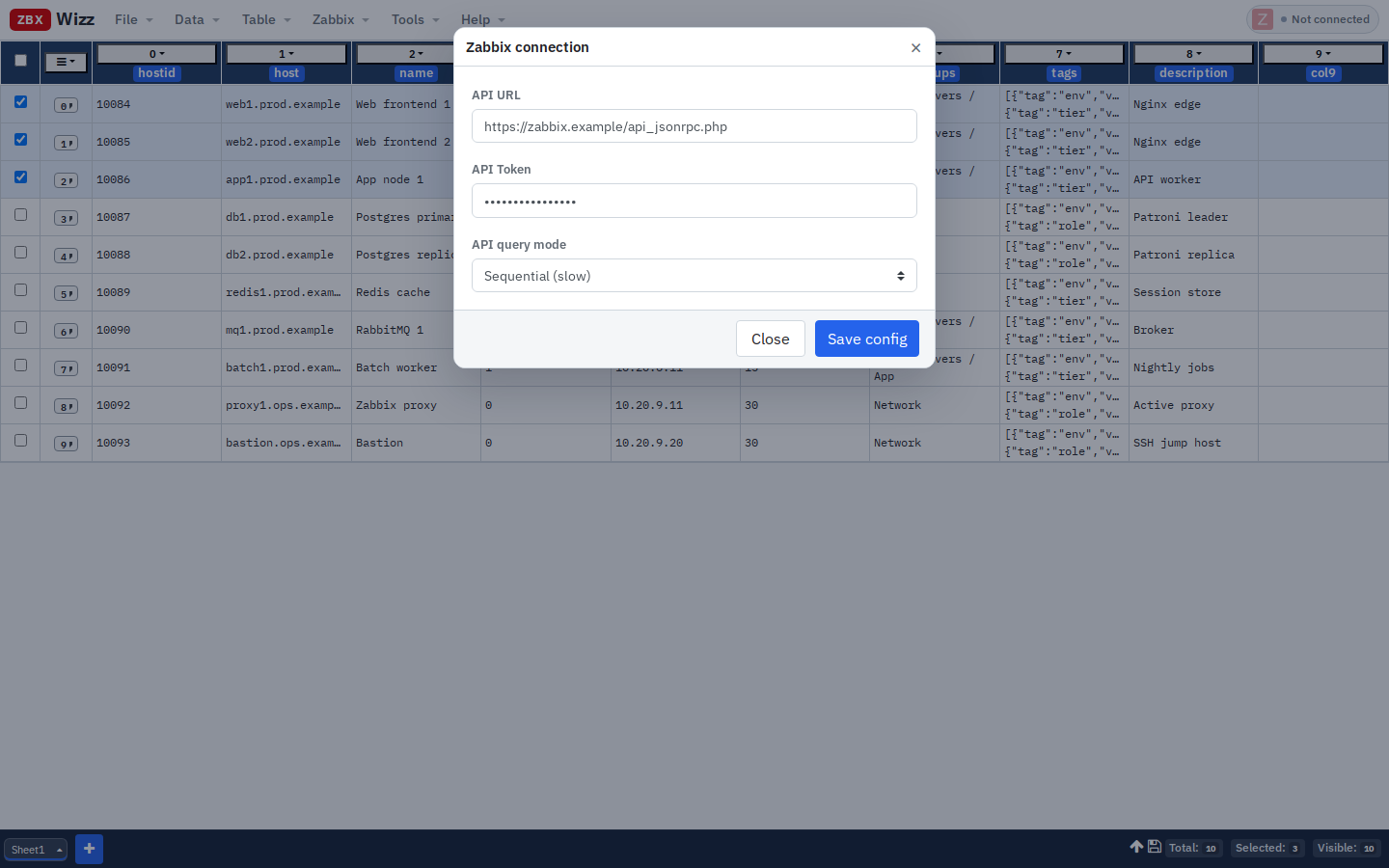
Save. When the connection test succeeds (host.get with limit: 1), the pill shows Connected.
Everything runs in your browser. Tokens and sheet data stay on your machine; the only network calls are the ones you trigger to your Zabbix API.
2. Prepare the CSV
Minimal headers for create:
host,name,ip,groupid
web3.prod.example,Web frontend 3,10.20.1.13,12
app2.prod.example,App node 2,10.20.2.12,15
cache2.prod.example,Redis cache 2,10.20.4.12,22
Notes:
groupidmust already exist in Zabbix (resolve names → IDs first if needed)- Prefer UTF-8; quote fields that contain commas
- Start with 3 rows, not 3,000
3. Import the CSV
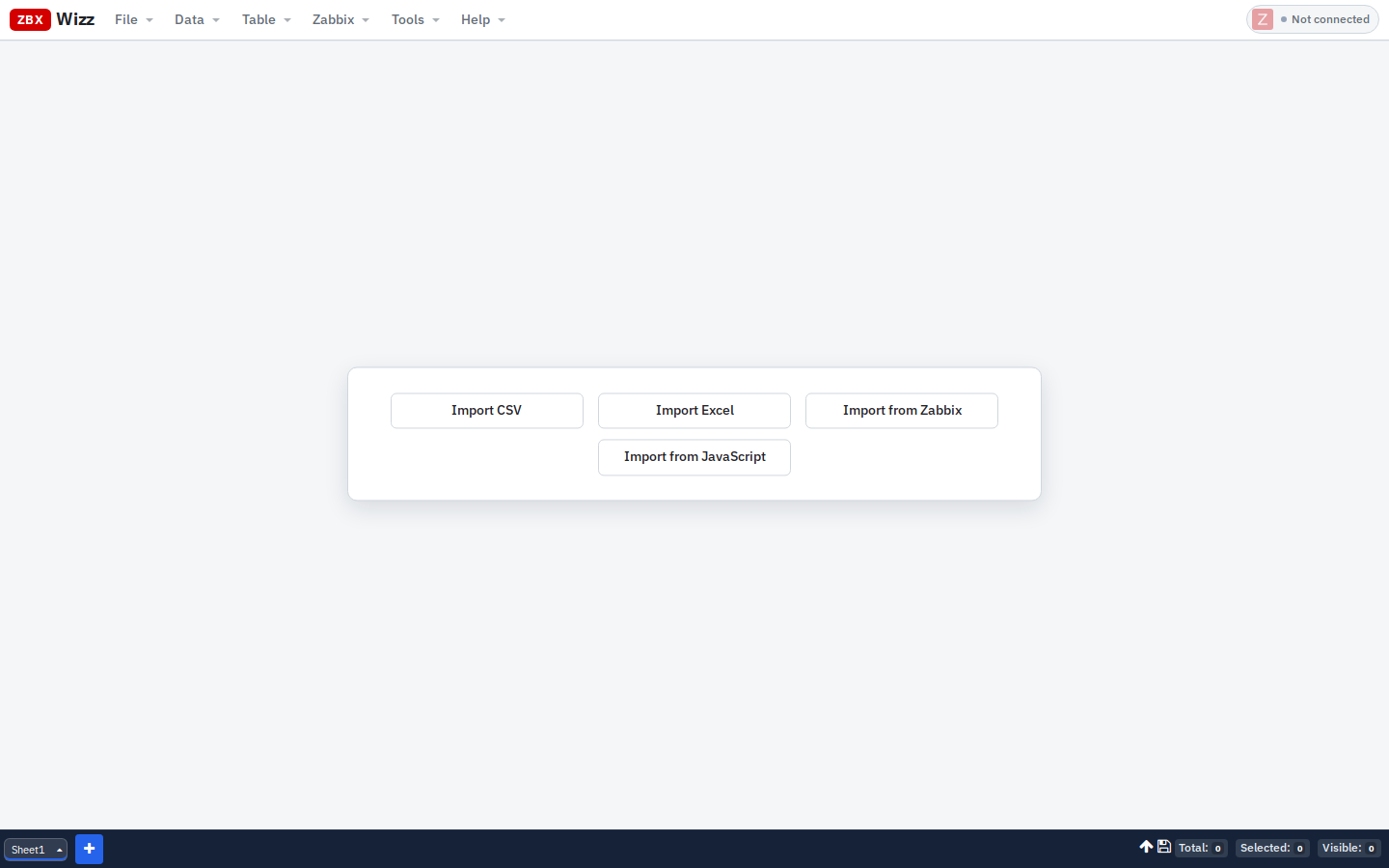
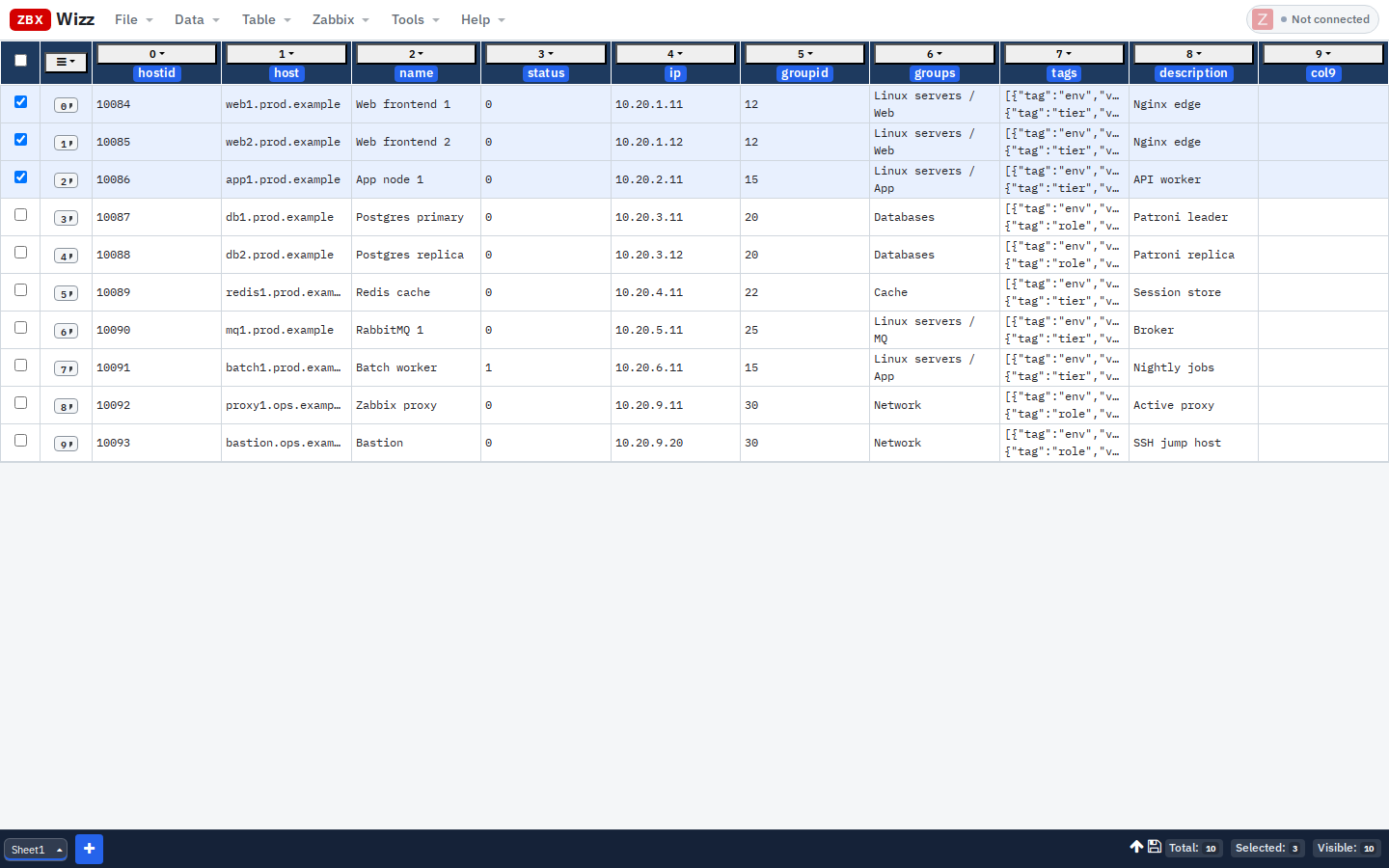
Data → Import → CSV (or the Import CSV shortcut on an empty sheet).
Use Load from file or paste under Load from text, pick the target sheet, then Load.
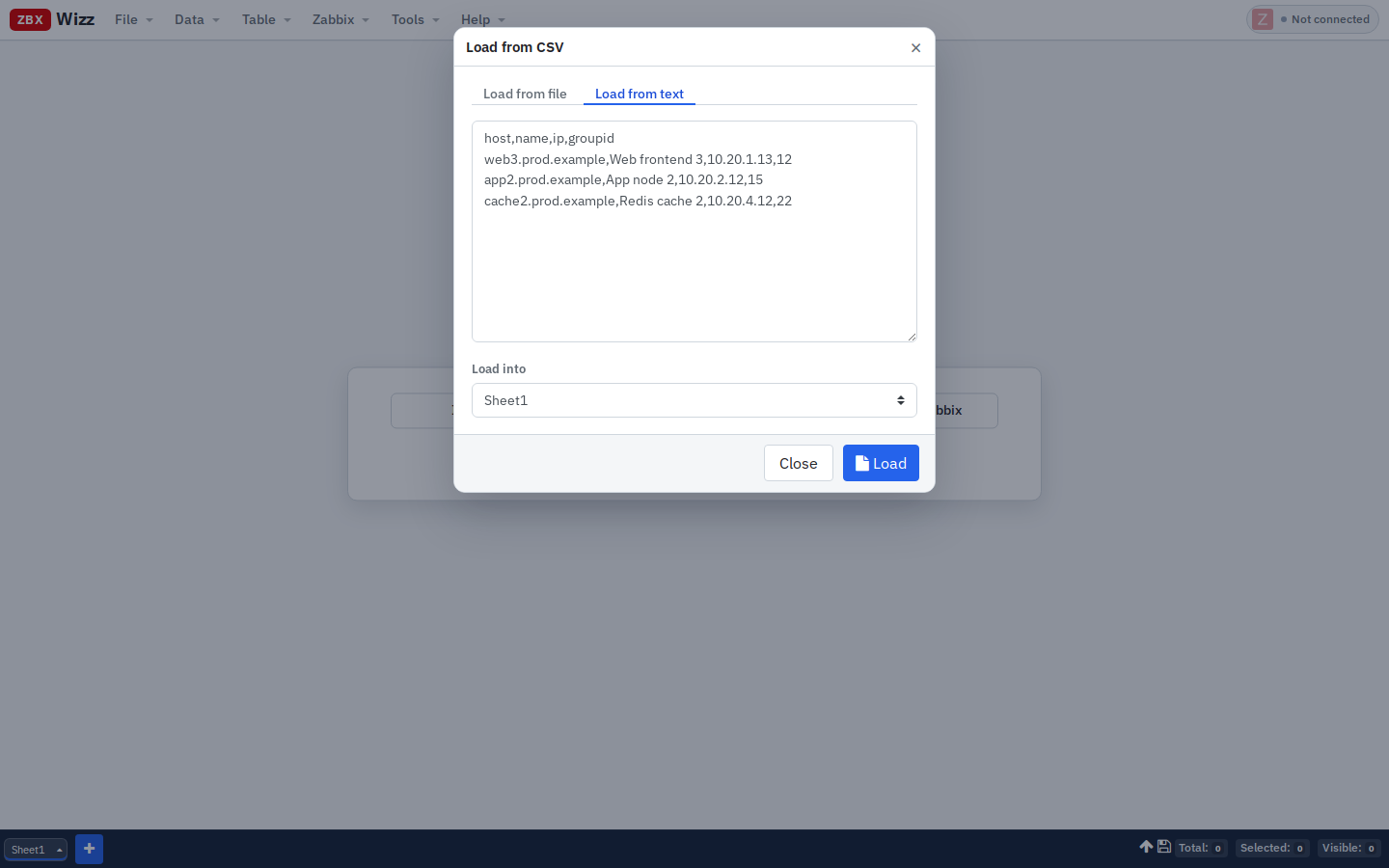
You get a spreadsheet: filterable, editable, multi-sheet. Footer shows Total / Selected / Visible.
4. Build the interfaces JSON column
host.create expects an interfaces array, not a bare IP string. Add (or Transform) a column — e.g. column index 4 — with:
json([{
  "type": 1,
  "main": 1,
  "useip": 1,
  "ip": flds.ip,
  "dns": "",
  "port": "10050"
}])flds.ipreads theipcolumn by namejson(...)stores a JSON string the Push template can inject without extra quotes
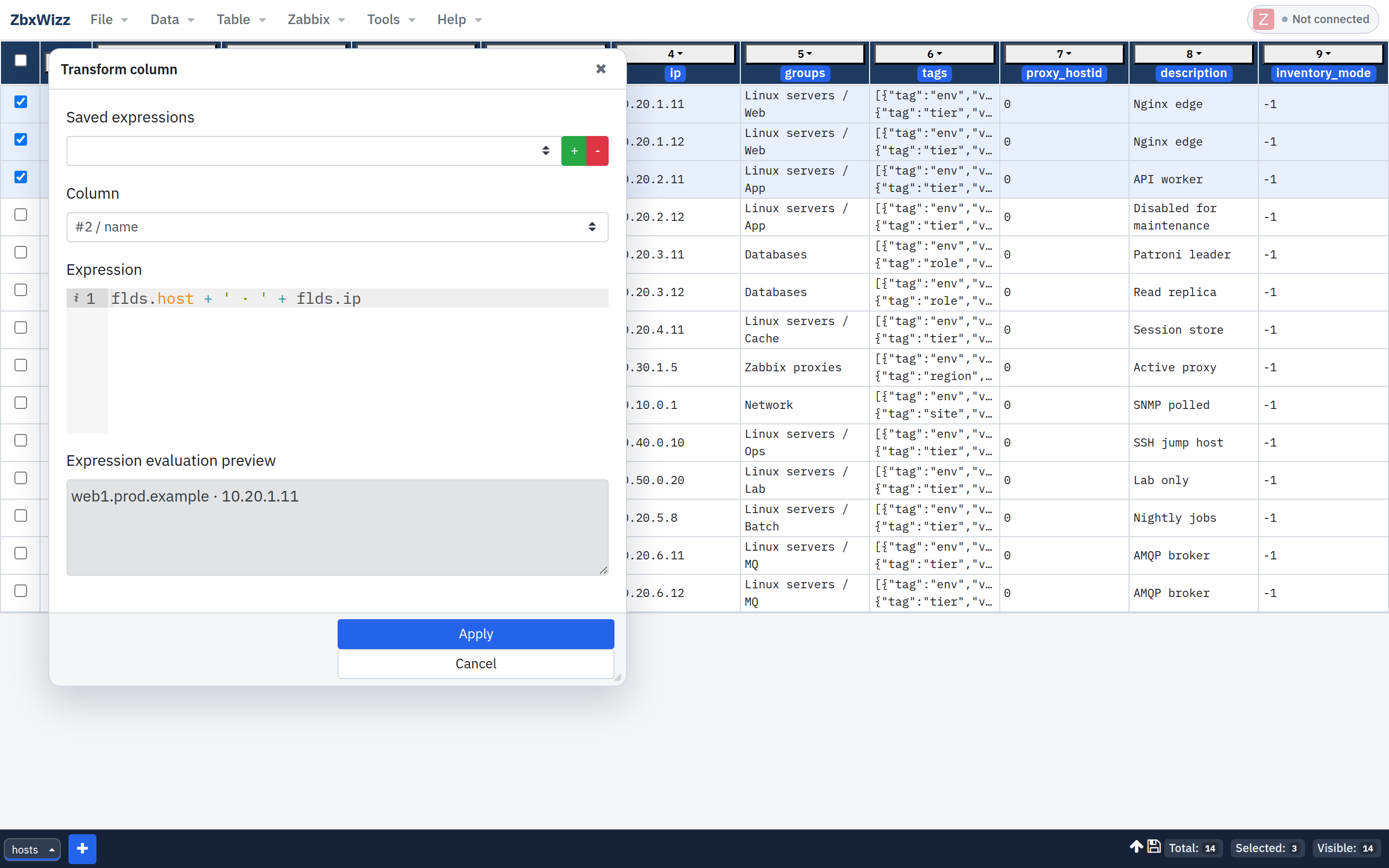
Open Transform from the column menu, paste the expression, check the live preview, then Apply. Filtered-out rows are skipped.
(Optional) Add tags the same way:
json([{"tag":"env","value":"prod"},{"tag":"source","value":"csv-onboarding"}])5. Push — create hosts
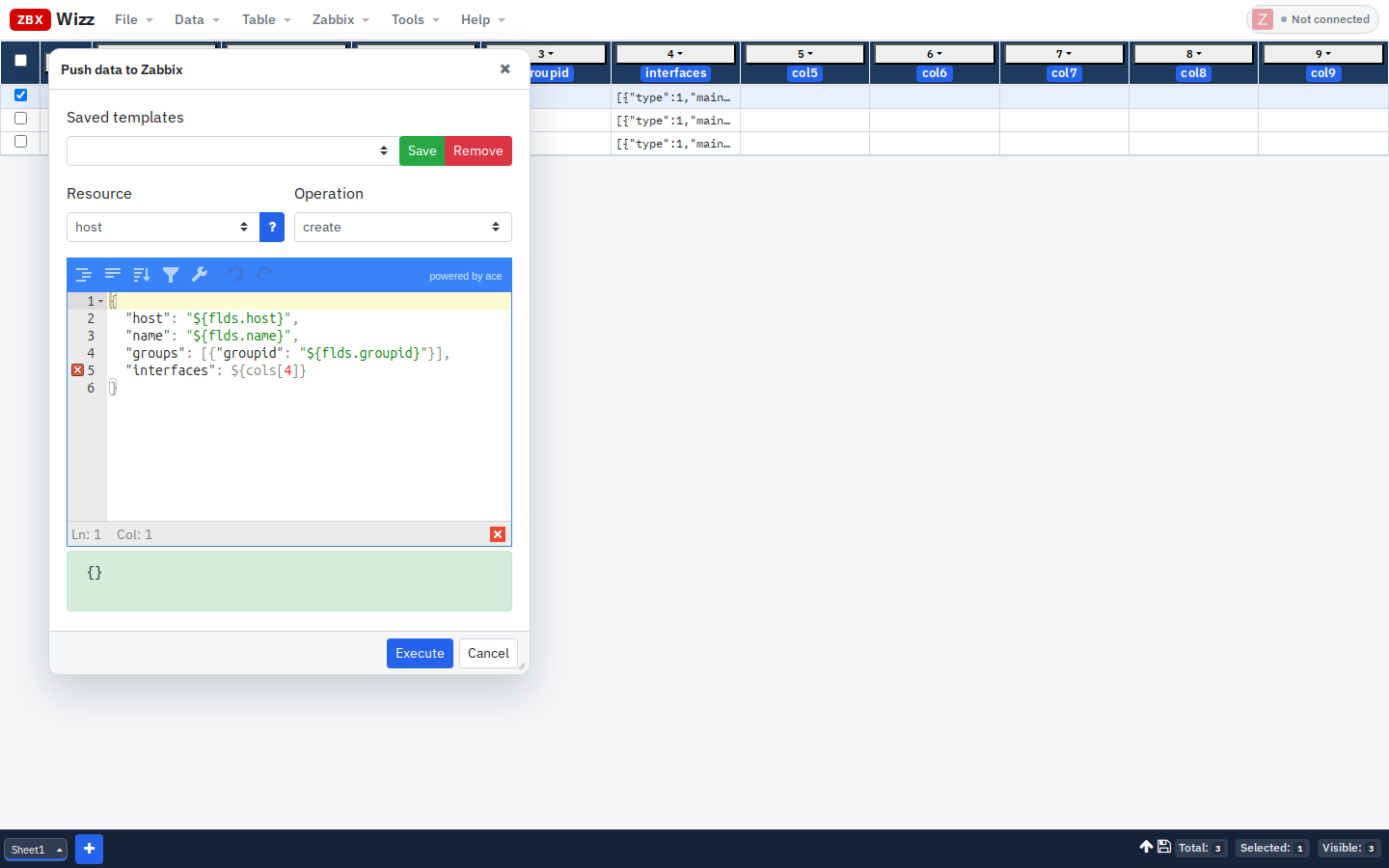
- Select one row first (checkbox)
- Zabbix → Push
- Resource:
host· Operation:create - Request template (adjust the interfaces column index):
{
  "host": "${flds.host}",
  "name": "${flds.name}",
  "groups": [{"groupid": "${flds.groupid}"}],
  "interfaces": ${cols[4]}
}
Template rules that matter:
| Pattern | Use |
|---|---|
"${flds.host}" |
String fields — keep the quotes in the template |
${cols[4]} |
JSON already in a cell — no extra quotes |
| Preview panel | Evaluates against the first selected row |
Confirm the warning, execute, then verify in Zabbix (Data collection → Hosts).
When one row works, select the rest and Push again — keep Sequential mode for production writes.
6. Variant: update existing hosts from CSV
If the sheet already has hostid (from a previous Import / Pull):
- Import or merge your CSV (Excel import works the same way)
- Transform only the columns you change
- Push ·
host·update:
{
  "hostid": "${flds.hostid}",
  "name": "${flds.name}"
}
Never invent hostid values — pull them from Zabbix first.
Safety checklist
- [ ] File → Save a workbook snapshot before a large Push
- [ ] Explicit
limiton any Import-from-Zabbix you use for enrichment - [ ] One row first, then batch
- [ ] Sequential query mode for writes
- [ ] Export selected rows (Data → Export → CSV) for peer review before Push
Why not “just a script”?
Scripts are great when the shape is stable and checked into git. CSV campaigns are usually:
- Edited by people who don’t want a repo
- Slightly different every time (extra columns, renamed fields)
- Need a visual filter / spot-check before write
ZbxWizz keeps the API power but puts the review surface in a table — same place you already think about inventory.
Get started
- App & docs: https://zbxwizz.app/
- Source: github.com/logimaxx/zbxwizz
- In-repo examples: Bulk onboarding from CSV
Related reading on this blog: Exporting Zabbix Configuration Data Without Losing Your Sanity.
Questions or a CSV shape that won’t map cleanly? support@zbxwizz.app
— Sergiu, Creator of ZbxWizz