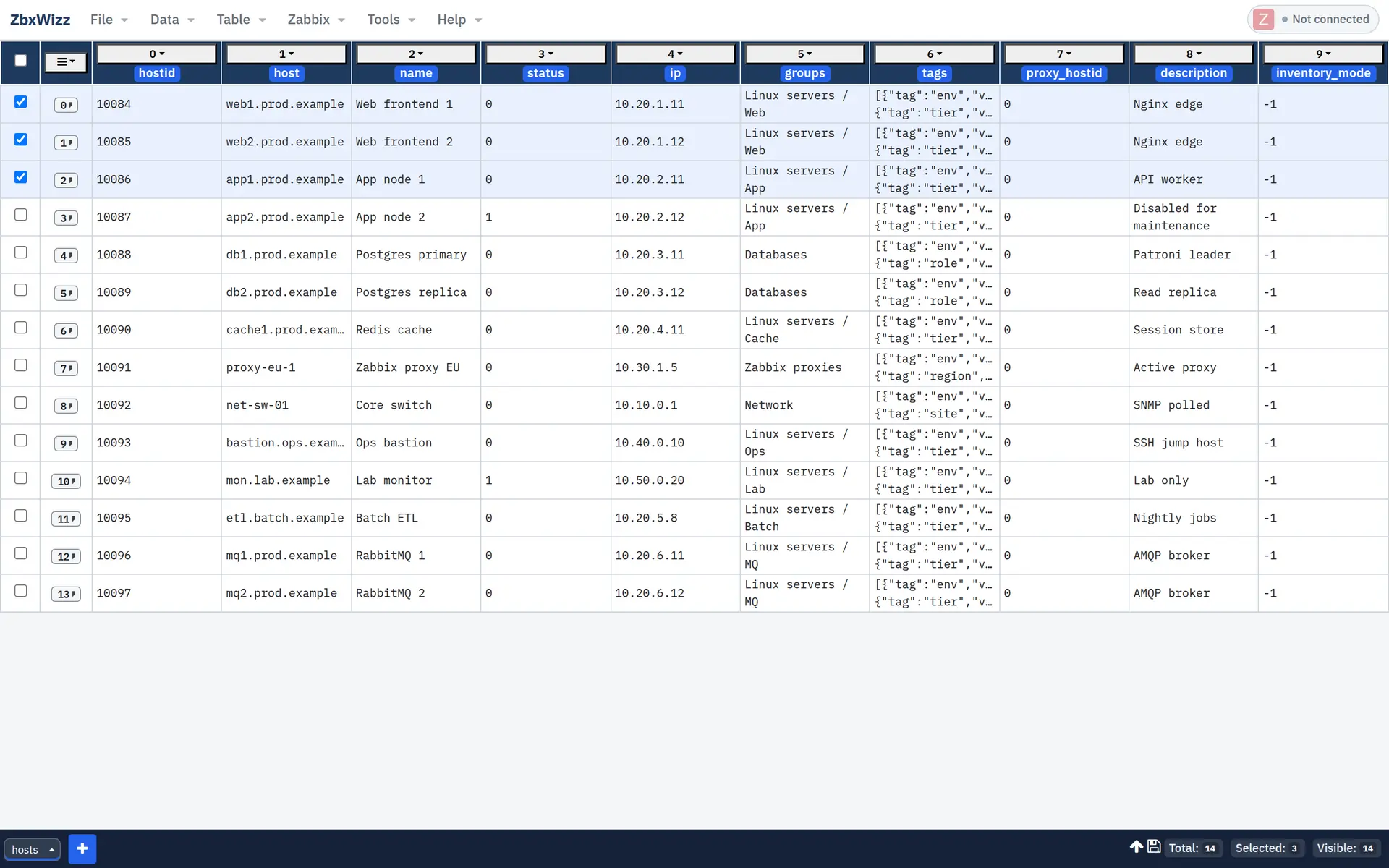
Bulk-edit Zabbix from a spreadsheet — in your browser
Skip the Excel ↔ scripts ↔ UI loop. Import any API resource, transform rows, preview, and push create / update / delete — data and tokens stay on your machine.
No agents. No backend. Open source (MIT).
Built for the cleanup nobody wants to script twice
ZbxWizz started on a real reorganization — 7000+ hosts, owners, groups, and tags. The Zabbix UI is great for one host. Spreadsheets and throwaway scripts break down when the job is thousands.
- Hundreds of clicks in the web UI for work that should be a table
- One-off Python scripts tested on production at 2 AM
- Export → Excel → handoff → wait → repeat
How it works
A workbench, not a wizard. You write the API requests; ZbxWizz handles the sheet, batching, previews, and round trip.
01 · Extract
Pull data in
Import from Zabbix (*.get), CSV, Excel, or a JavaScript function that returns rows.
02 · Transform
Edit like a sheet
Filter, column expressions, cross-sheet lookups, Pull enrichment, and charts on what you see.
03 · Load
Push with a preview
Create, update, or delete with confirmation — or export CSV / Excel for audit and handoff.

Jobs that get faster
Start from an example and adapt — recipes live in the docs.
See it in action
Presented at Zabbix Summit 2025 in Riga — plus a hands-on CSV workflow.
Zabbix Summit 2025 · Riga
Managing Zabbix data at scale without losing control
Lightning talk introducing ZbxWizz — spreadsheet ETL for large-scale Zabbix changes. Watch on YouTube
Tutorial
Bulk host creation from CSV
Import a host list and create them in Zabbix without a custom script.
Why teams can trust a Push
-
Stays on your machine
No app backend or cloud DB. Only network calls are the Zabbix API requests you trigger.
-
Preview before write
Live previews, Push / Delete confirmation, and row error highlighting — test on a small selection first.
-
Open and inspectable
MIT licensed. Born from a 7000+ host cleanup — not a SaaS upsell.