Client-Side Zabbix Tools vs Server Scripts
Where Tokens and Data Should Live
Every Zabbix automation story eventually hits the same question:
Where does the API token live, and who can see the export?
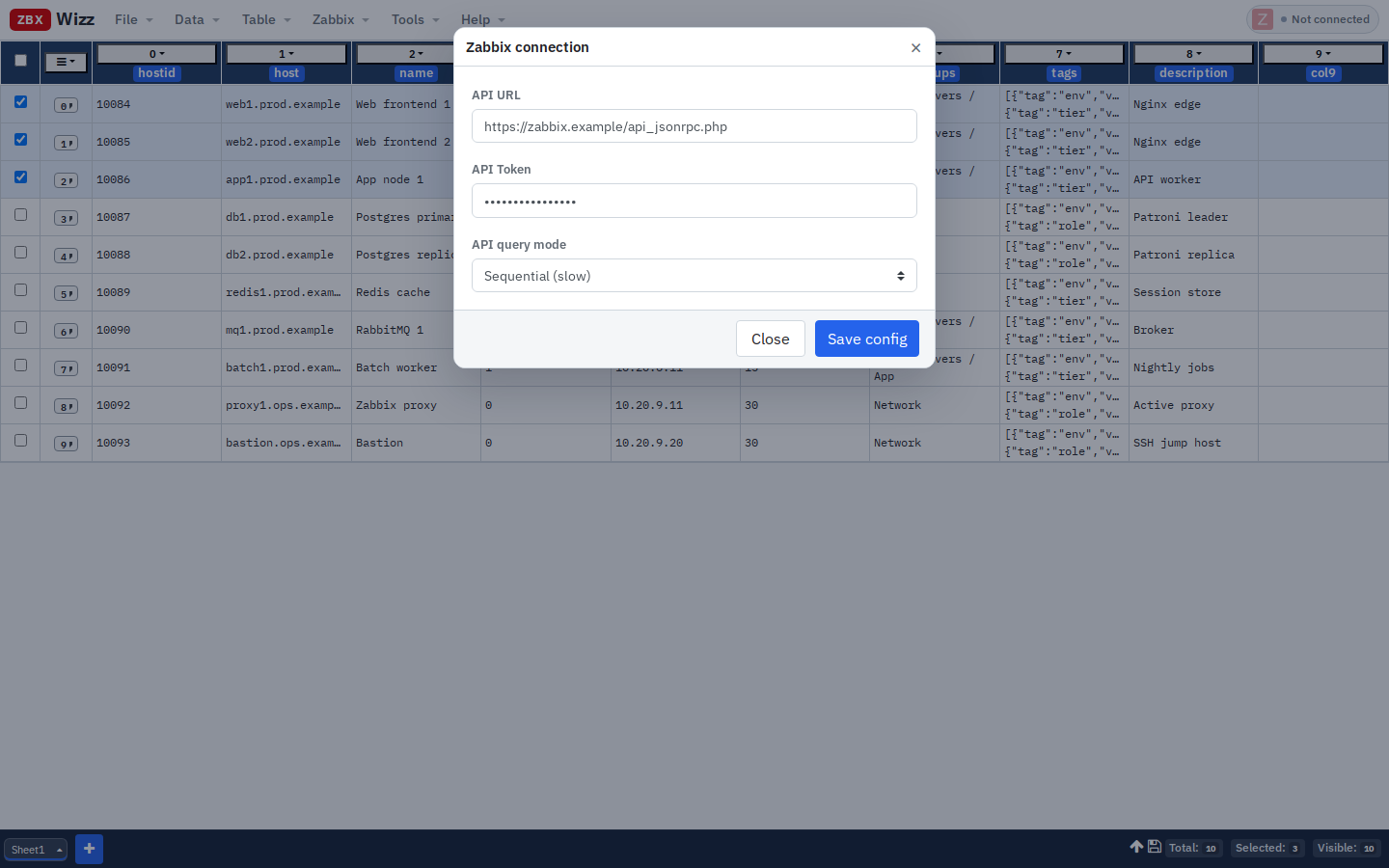
Shared Python on a bastion, a cron user with a long-lived token in ~/.env, a Google Sheet of host inventories — all work, until they don’t. ZbxWizz takes a different default: the workbench runs entirely in your browser. Tokens and workbook data stay on your machine; the only outbound calls are the Zabbix API requests you trigger.
The usual automation footprints
| Approach | Token location | Data location | Typical risk |
|---|---|---|---|
| Script on jump host | File / env on the server | CSV on the server, or stdout | Shared access, leftover files, broad OS permissions |
| CI pipeline | Secret store (good) or plain vars (bad) | Build artifacts / logs | Token in logs; over-privileged runners |
| Desktop script | Laptop env | Local files | Better isolation; still easy to scp secrets around |
| SaaS “Zabbix helper” | Vendor cloud | Vendor cloud | Third-party processing of config & credentials |
| ZbxWizz | Browser localStorage |
IndexedDB + optional File Save | No middle tier; you still protect the workstation |
None of these is magically “secure.” The point is attack surface and habit: fewer places for a bulk-export of 10k hosts (with macros!) to land by accident.
What “client-side” means in practice
When you open ZbxWizz:
- Static HTML/JS/CSS loads (from your Zabbix host, GitHub Pages, or
localhost) - You paste an API URL + token into the connection dialog
- Imports, transforms, charts, and Push run in the page
- Sheet data persists in IndexedDB; connection + saved request templates in localStorage
- File → Save downloads a workbook JSON — without URL, token, or templates
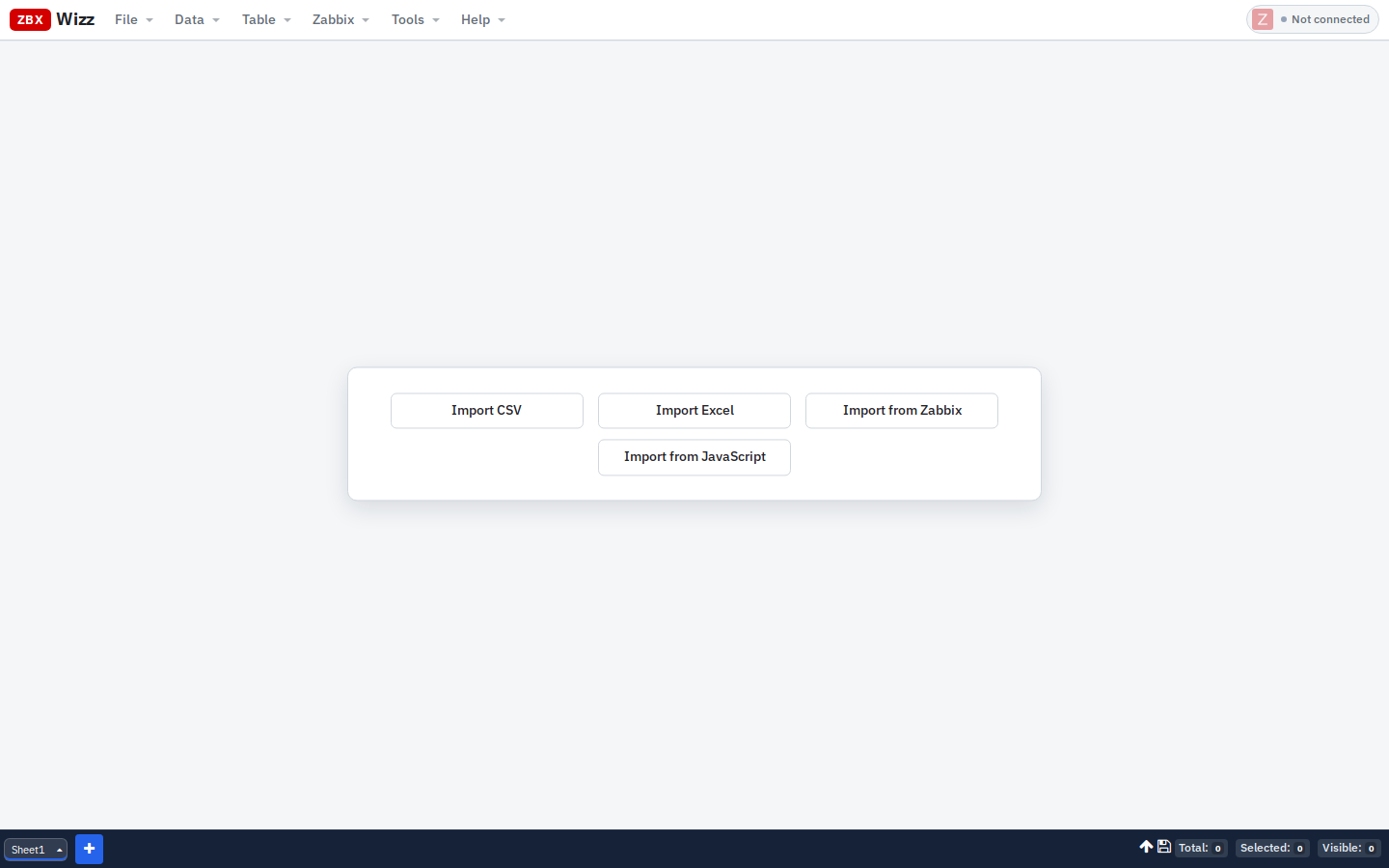
There is no ZbxWizz backend that stores your inventory. That is intentional.
Why this helps day-to-day ops
1. Campaigns stay with the operator
Tag migrations and CSV onboardings are often personal workflows: filter, spot-check, Push ten rows, rethink. Keeping that sheet in the browser (or a saved file on your disk) beats leaving hosts-with-macros.csv in /tmp on a shared box.
2. Tokens are not “the team’s Python venv”
Rotate a token in Zabbix, update the dialog, done. You are not hunting which cron still has last year’s key.
3. Same-origin deploy reduces weird CORS stories
Serve ZbxWizz next to the Zabbix UI and use relative api_jsonrpc.php. Browser + same host is a boring, auditable path. See Installation.
4. Review before write is visible
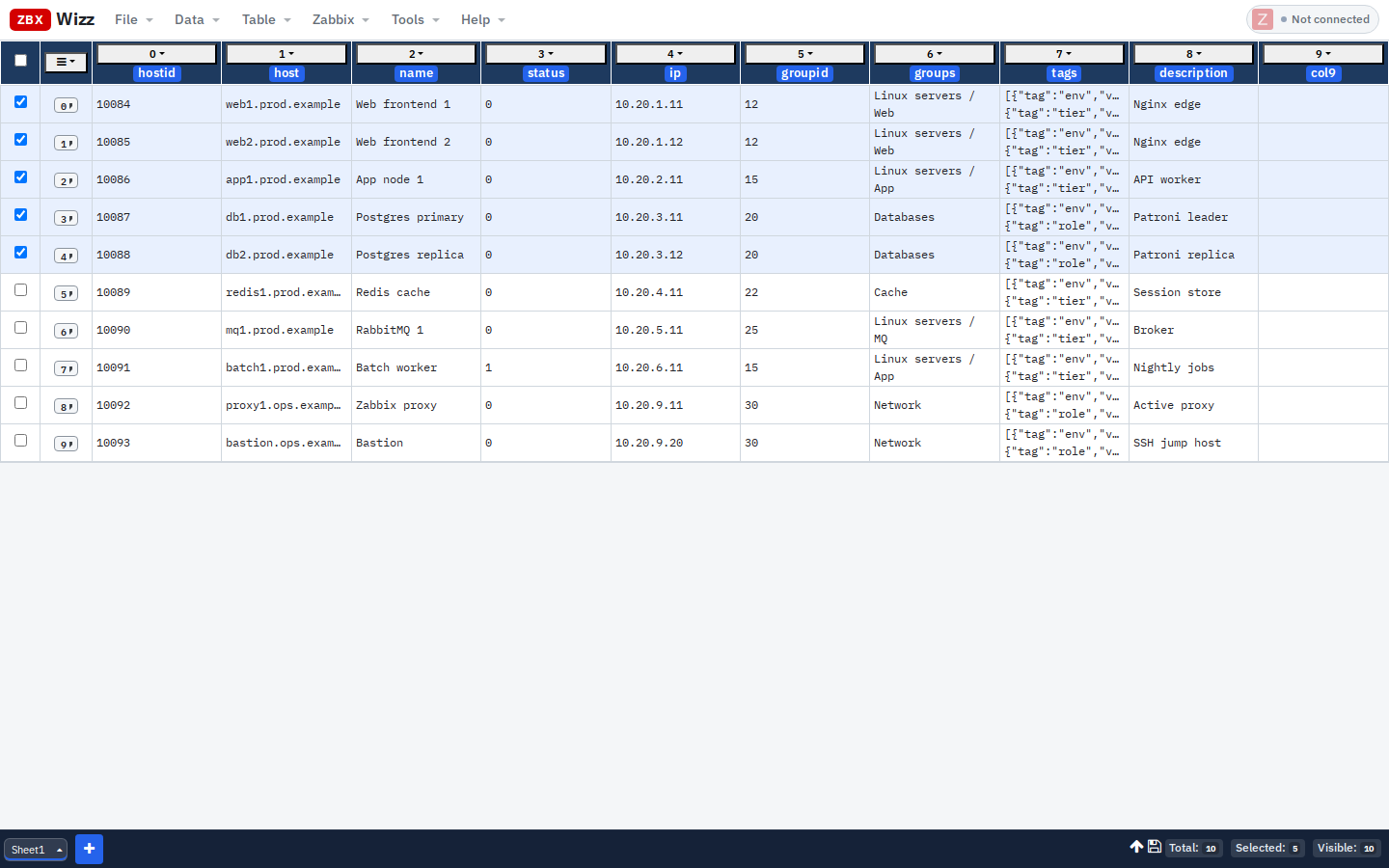
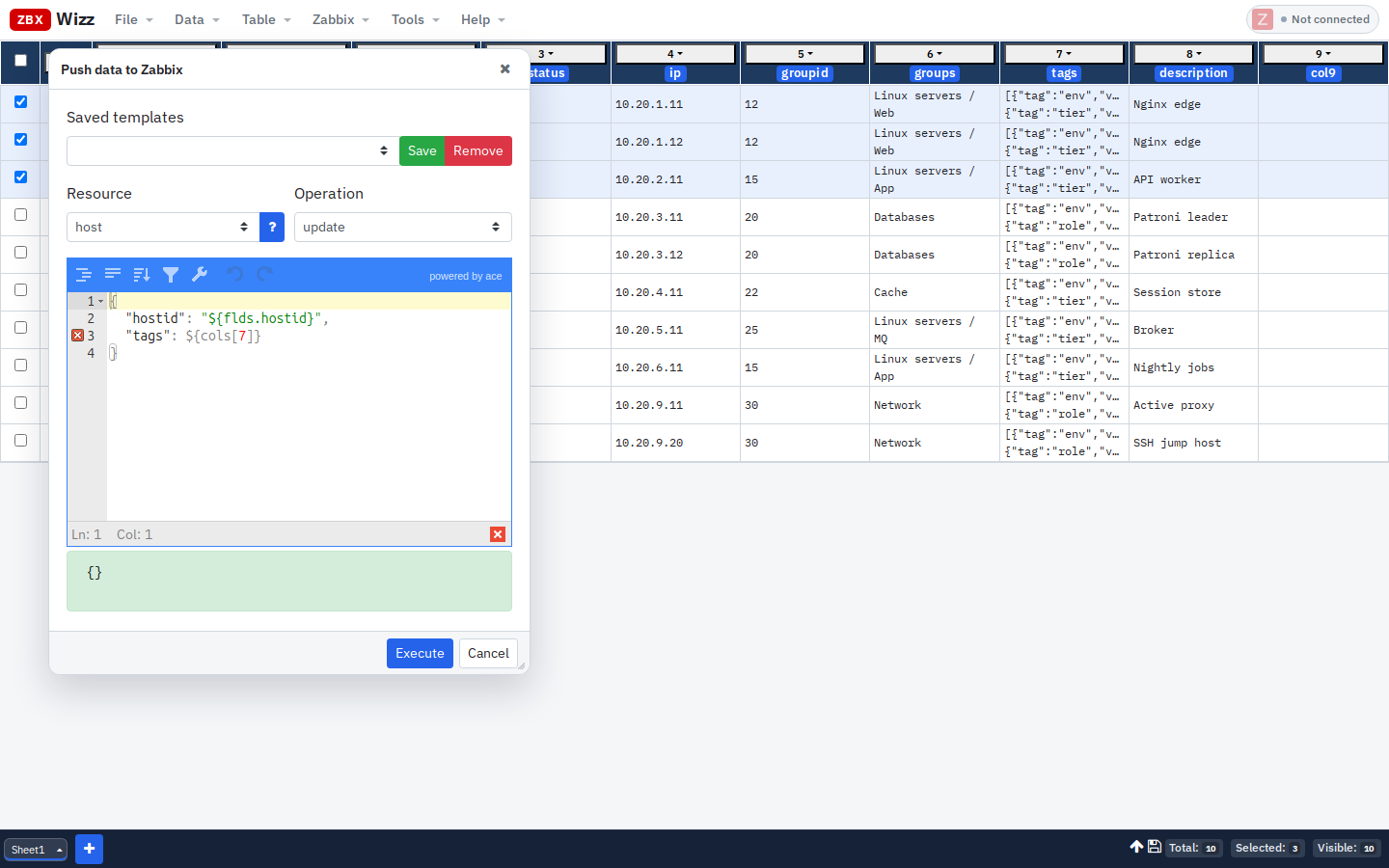
Pull/Push only hit selected + visible rows. The spreadsheet is the dry-run surface — easier to peer-review than a wall of JSON in a terminal.
What client-side does not solve
Be honest with stakeholders:
- A compromised laptop still exposes whatever is in the browser profile
- XSS on a malicious page in the same browser profile is still XSS (don’t casually open untrusted bookmarks while a token sits in localStorage)
- File → Save workbooks can still leak hostnames if you email them around
- Push can still destroy production if the template is wrong — UI warnings help; they don’t replace change control
Treat the browser profile like a workstation secret store: lock the screen, use a dedicated profile for admin work if your org requires it, and prefer short-lived API tokens with least privilege.
When a server script is still the right tool
Choose code on a server when you need:
- Unattended schedules (nightly reconciliation)
- Multi-system orchestration (CMDB + Zabbix + ticketing)
- Strict CI attestation / signed runners
- Changes that must be reviewed as git diffs in a repo
A useful split many teams adopt:
| Work | Tool |
|---|---|
| Desired-state baselines | Ansible / Terraform / git |
| Interactive cleanup & audits | ZbxWizz |
| Nightly reports | Small scheduled job |
ZbxWizz is not trying to replace IaC. It replaces the folder of fix-tags-FINAL-v3.py scripts born from spreadsheet panic.
Practical hardening checklist
- [ ] API token scoped to what you actually Push
- [ ] Sequential mode while testing writes
- [ ] File → Save before large Push; keep tokens out of the file (default)
- [ ] Prefer same-origin hosting with Zabbix
- [ ] Clear connection or use a throwaway token on shared demos
- [ ] Export CSV of selected rows for change tickets — not the whole estate by default
Get started
- Product: https://zbxwizz.app/
- Security notes in the app README and docs
- Hands-on: Zabbix API for Non-Programmers
— Sergiu, Creator of ZbxWizz